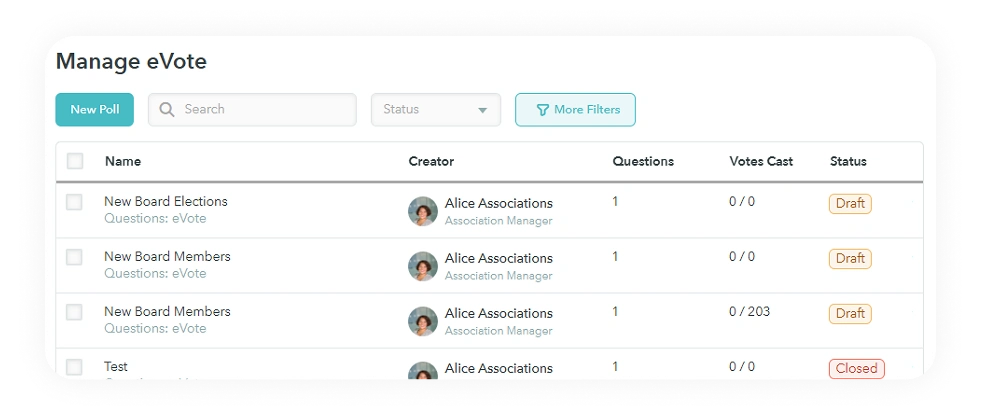
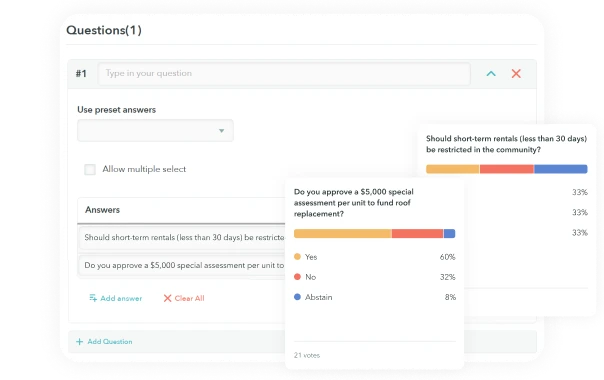
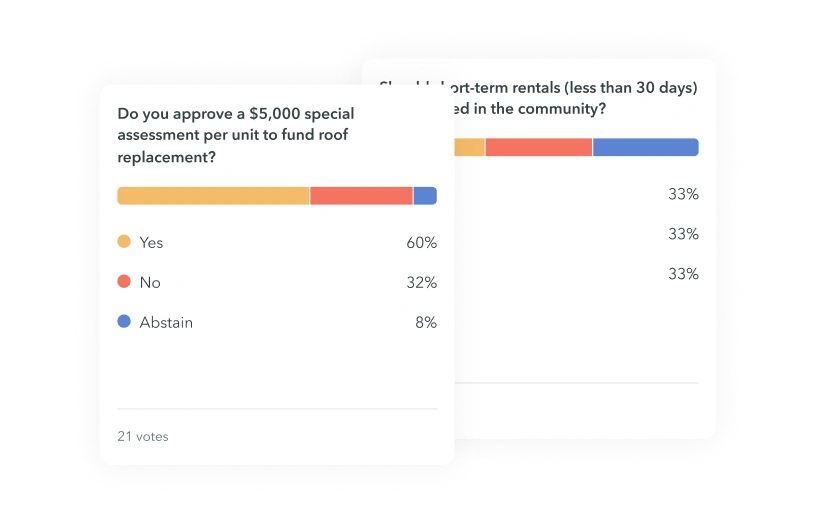
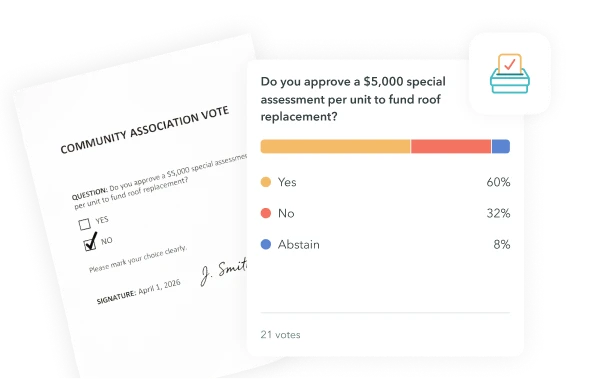
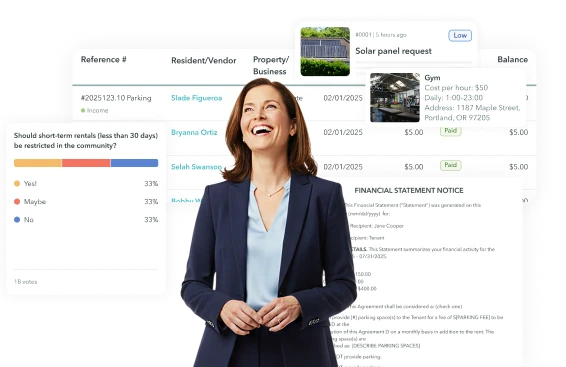
With eVoting, residents can vote in elections and surveys online. eVoting increases participation in elections and reduces overhead costs, such as paper ballots and hosting. Quickly achieve quorum with maximum transparency. See results immediately, with no human error.
Live, Reportable Results
Survey results are calculated live and are easily viewable, trackable, and shareable.
Survey and Election Archives
Maintain an archive of past surveys and elections for reference and historical analysis.
Fully Customizable Surveys
Build surveys with multiple question types, answer formats, and response options—from simple polls to structured questionnaires.
Anonymous Polling
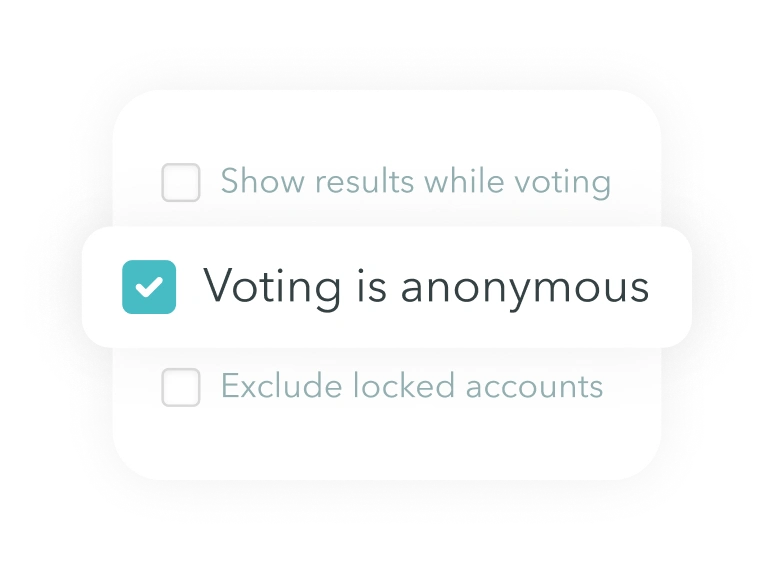
Enable anonymous responses when confidentiality is required. Anonymous surveys allow honest feedback while still providing aggregate insights to managers and boards.
Election Tools
ManageCasa’s eVoting tools support board elections, bylaw changes, and other binding decisions. Conduct official HOA elections digitally, reducing paperwork while increasing participation.
Weighted Voting
Apply vote weights based on property ownership, unit counts, or association rules.
Voting by Property or Individual
Configure elections to count votes by property, household, or owner—aligned with your governing documents.
Paper and Digital Ballots
Support hybrid voting by combining online ballots with manually recorded paper or even proxy votes. This ensures full participation, even for owners who vote offline.
Proxy Voting
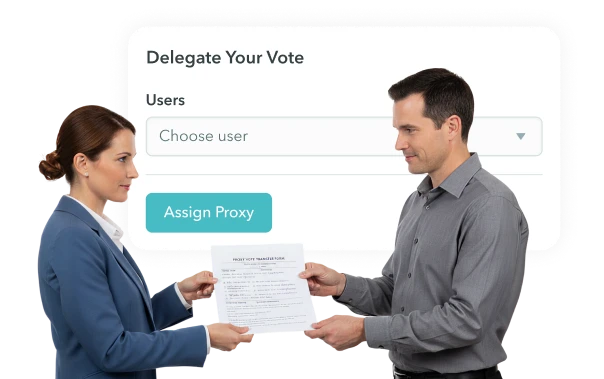
Busy owners can appoint someone else to vote for them, known as "Proxy Voting". All proxy votes are logged and included in final vote tallies.
Architectural Reviews & Compliance
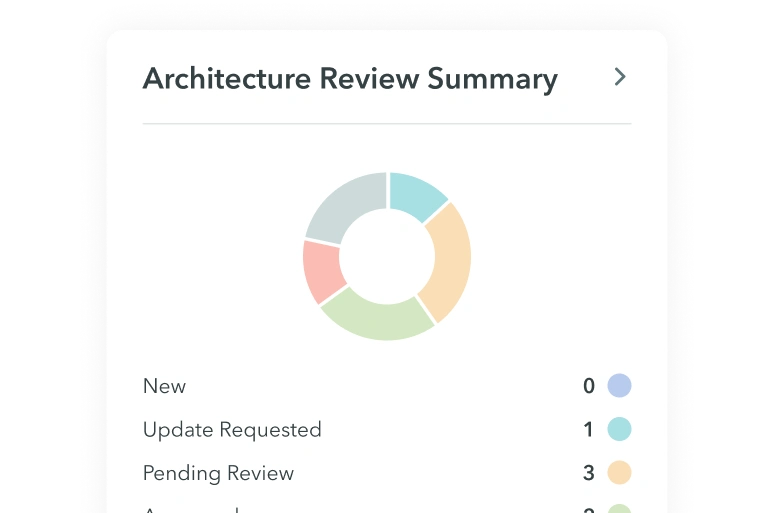
Structured Architectural & Compliance Request
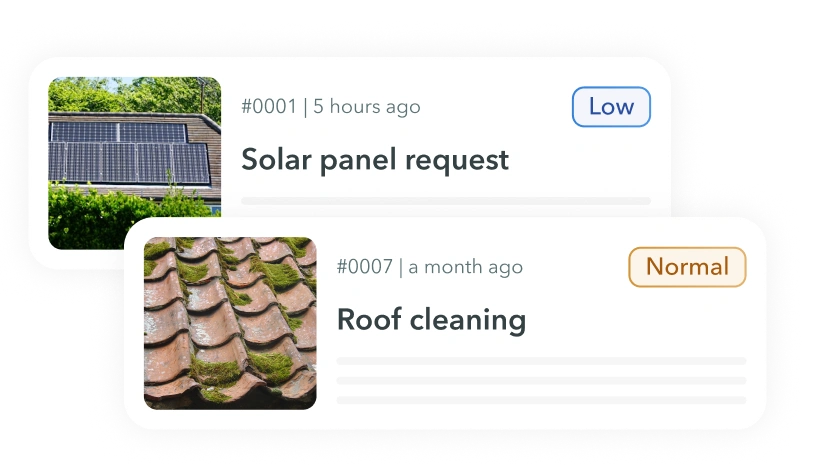
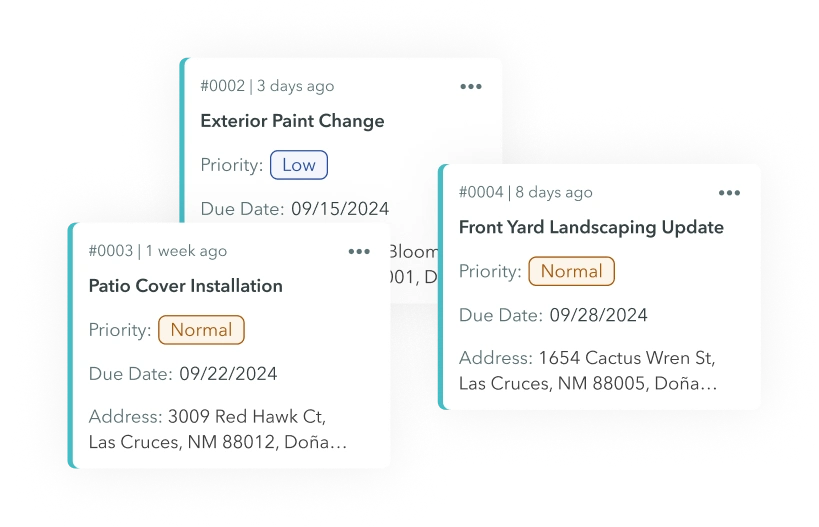
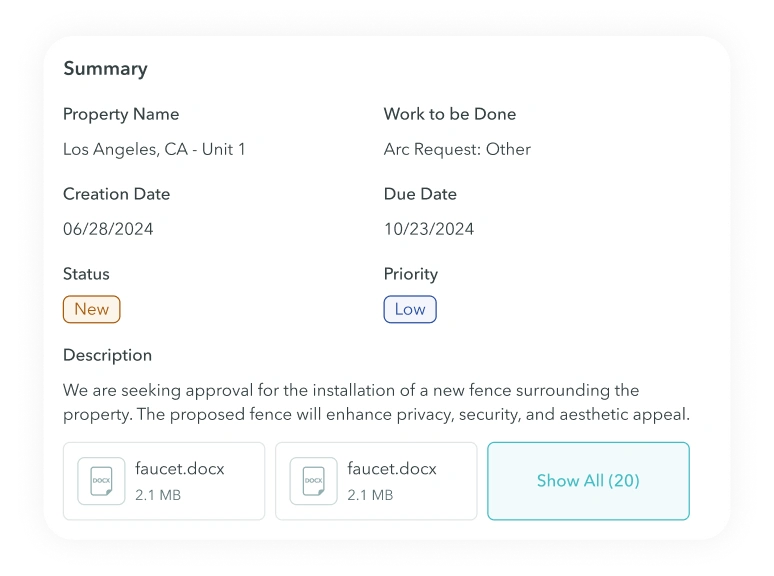
Collect and manage architectural change requests, compliance issues, and rule enforcement using a single ticket-based workflow built for community associations. Each request includes documents, photos, notes, and a full decision history.
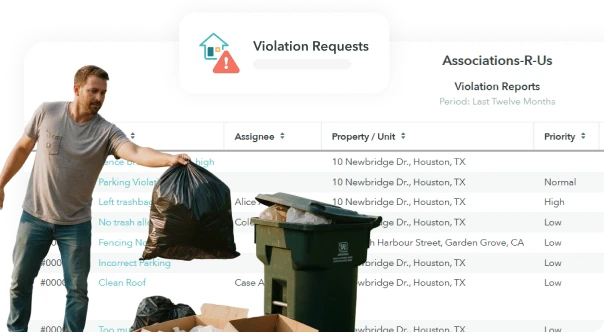
Centralized Request Tracking
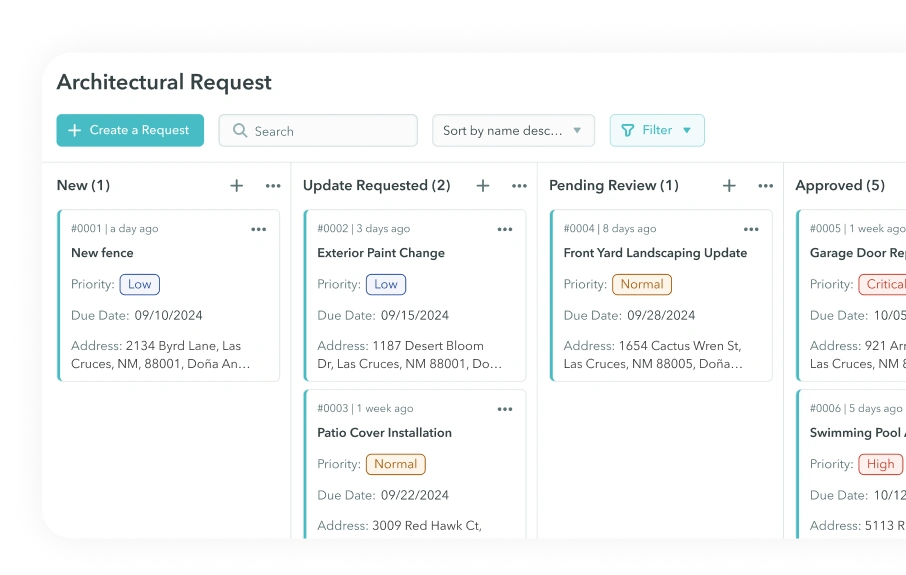
Track architectural submissions and compliance issues from intake to resolution with clear statuses, assigned reviewers, and documented outcomes.
Fines & Enforcement Actions
Fines & Enforcement Actions
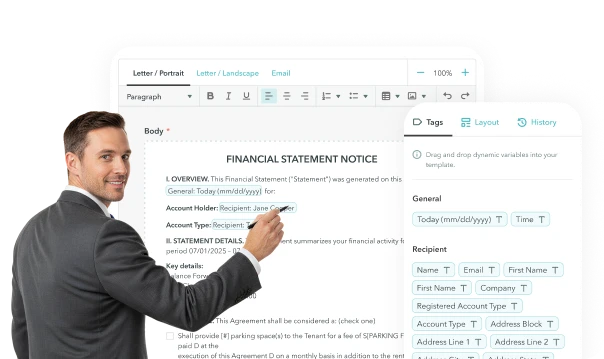
Reusable Notice & Letter Templates
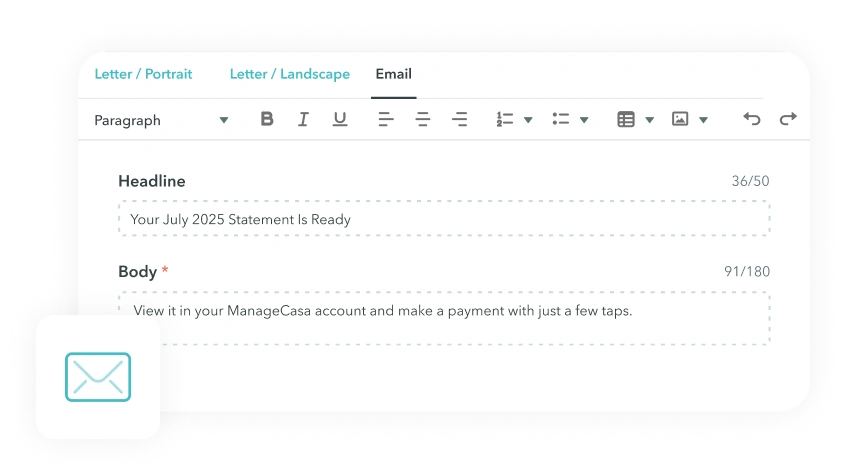
Templates help reduce manual work. Create standardized templates for architectural decisions, warnings, and compliance notices that you can easily re-use.
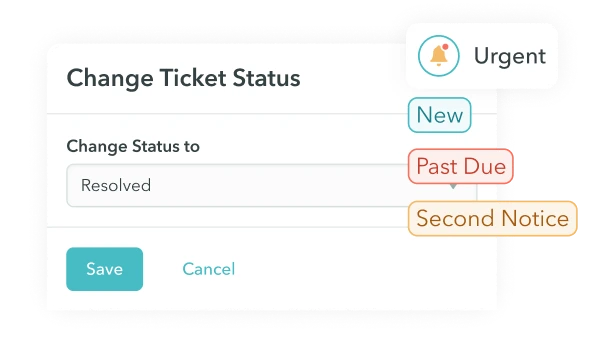
Configurable Statuses & Escalation
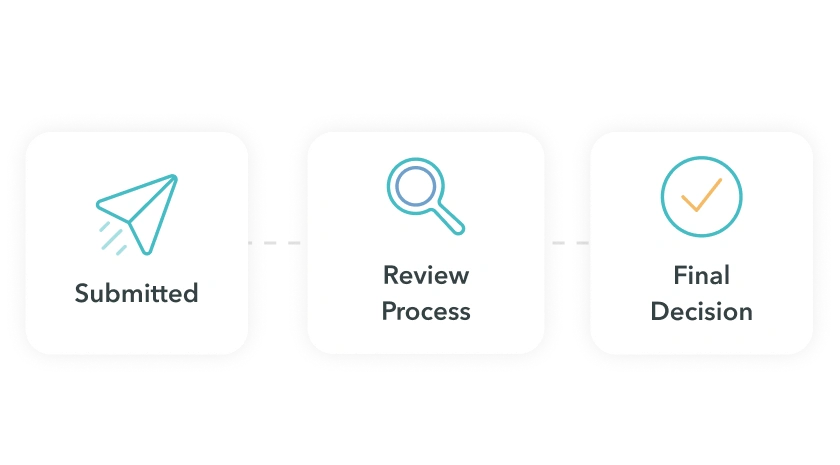
Easily change request statuses such as Submitted, Under Review, Approved, Denied, or Escalated. Status changes trigger notifications and keep homeowners informed automatically.
Compliance & Activity Reporting
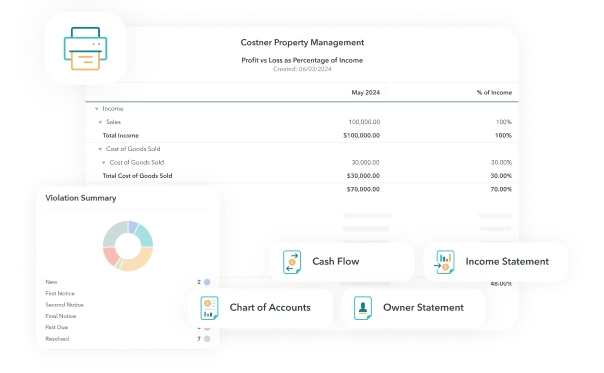
Generate reports showing architectural requests, compliance trends, open issues, and enforcement activity. Provide boards with clear visibility into what’s happening across the community.
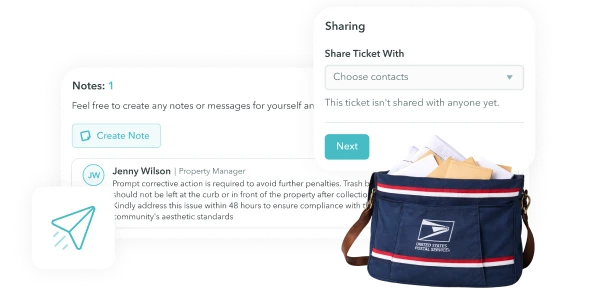
Digital & Mail Compliance Notices
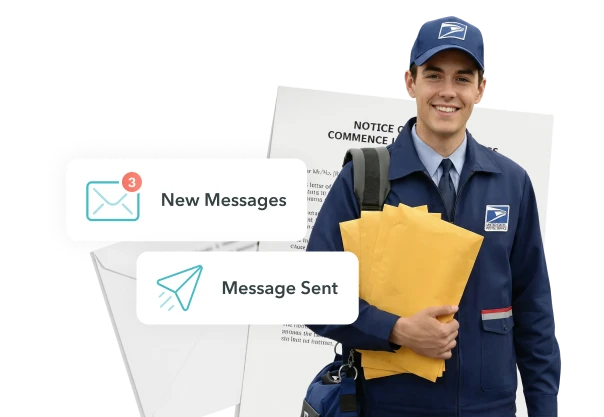
Send compliance notices digitally through the resident portal or by paper mail when required by governing documents or local regulations. Maintain proof of delivery and communication history.
Request & Task Tracking
Unified Request & Task Tracking
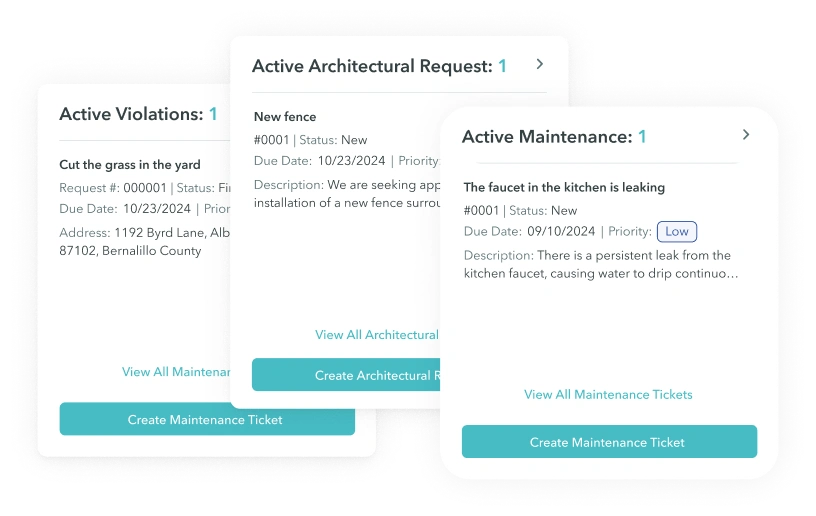
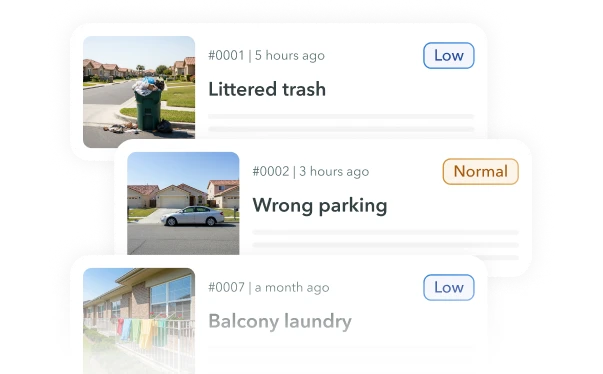
ManageCasa brings maintenance requests, architectural submissions, and compliance items into a single, structured workflow. Every request is tracked from submission through resolution with statuses, documentation, and a complete activity history—giving managers and boards full visibility and accountability.
Resident & Staff Submissions
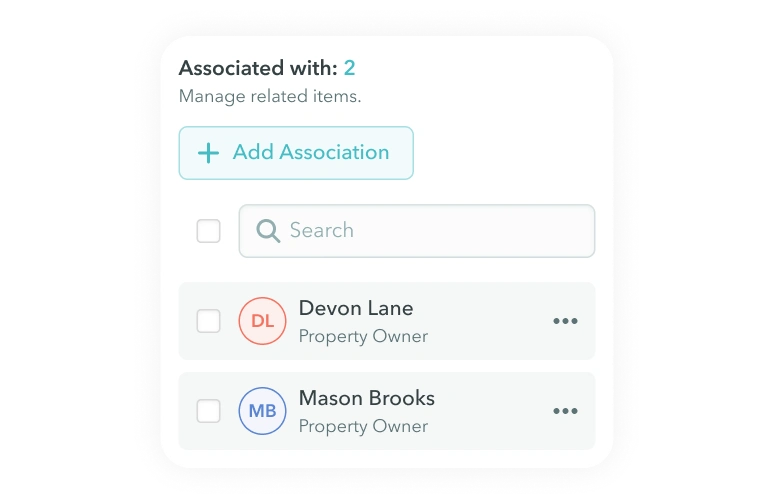
Owners, residents, and staff submit requests through the portal. Centralize all important information. Each submission is automatically linked to the correct unit, owner, or common area.
Flexible Data & Attachments
Capture photos, documents, notes, and instructions directly within each request to ensure nothing is lost or handled offline. With permission-based access, you're in control of who can see what.
Architectural Review Workflows
Collect and manage architectural change requests in a structured, review-ready format. Each submission includes required documents, photos, and notes, making it easy for boards and committees to review, approve, or deny requests without email chains or paperwork.
Maintenance & Work Orders
Track maintenance issues across units and common areas using request-based work orders. Requests include photos, updates, and status changes, helping managers prioritize work and close issues faster.
Vendor Accesible Platform
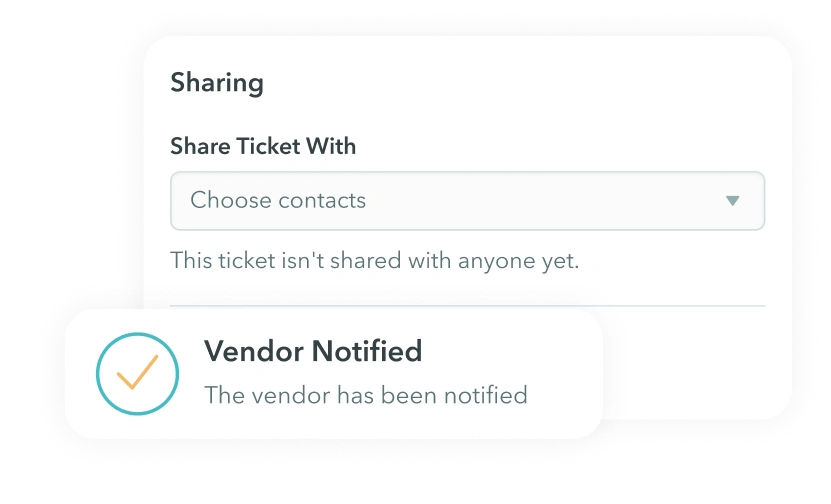
Assign asks to vendors like contractors or handymen. You can give permission to these third-party vendors to login to the ManageCasa app so they can track, view, and update tickets. Residents also receive updates and notifications on the work order. ManageCasa’s AI capabilities can also streamline the work order process, prioritizing the most critical maintenance tasks and automating workflows with existing vendors.
Operational Visibility
Get insight into your community's performance and activity. Track response times, open items, and resolutions. Quickly generate beautiful graphs and charts that boards will easily understand.
Convenient Review Tracking
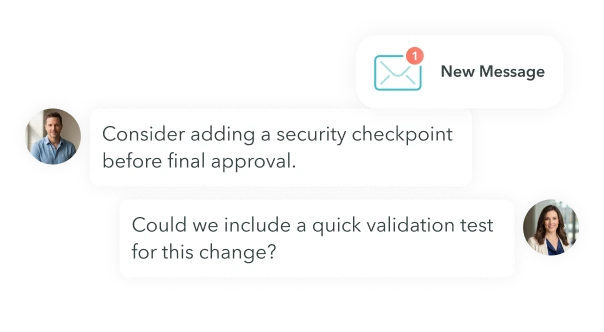
Track decisions, comments, and follow-ups in one place with notifications to ensure timely resolution. Requests no longer fall through the cracks or get delayed.
In-Context Communications
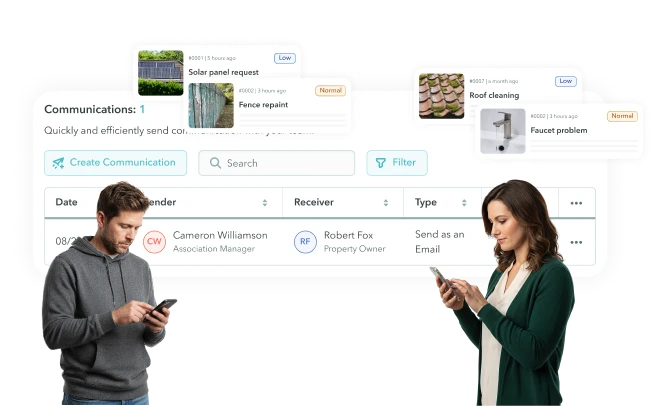
Keep all communication tied directly to a request so they're always in context. Messages, notes, documents, photos, and more are stored chronologically inside each request. Reduce back-and-forth emails and preserve a complete communication record.
Board Oversight & Governance
Centralized Board Oversight
ManageCasa gives boards a real-time view into community operations, including requests, architectural reviews, compliance activity, and financial summaries — all in one secure platform. Board members can stay informed, review activity, and participate in decisions without relying on emails, spreadsheets, or meetings alone. Instantly get insight into your community just by logging in or opening our mobile app on the go.
Role-Based Board Access
Grant board members secure access to view requests, documents, reports, and activity based on their permission. You're in control of who sees what documents and information. Easily view on the go with the mobile app.
Transparent Decision History
See a clear record of your board's decisions, from elections to meetings to key comments. Every action is saved in our system for maximum transparency. Easily search your decision history to find key information when you need it.
Board Communication Templates
Reduce manual work with reusable templates for board notices, approvals, meeting follow-ups, and more.
Structured Review & Approval Stages
Speed up the review process with easily defined stages such as Submitted, Under Review, Board Review, and Final Decision. With notifications and a clear record, a structure review process helps issues get resolved faster. Always know the status of a review.
Board-Ready Reports & Dashboards
Wow boards with intuitive reports you can easily download, print, and share. Get clear operational summaries, request activity insight, complaince trends, and financial reports — without exporting spreadsheets or spending hours making slide decks.
Official Notices & Recordkeeping
Send formal notices and legal documents digitally or by mail when required, and store all correspondence centrally for future reference, audits, or disputes.
Centralized HOA Document Storage
Secure HOA Documents Storage
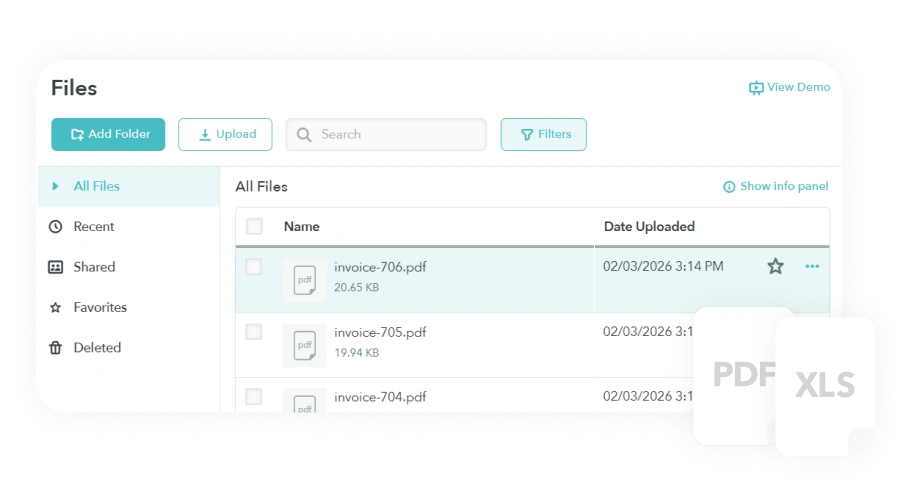
Store and manage all association documents in one secure system—governing documents, meeting minutes, financial reports, policies, and notices—so boards, managers, and homeowners always know where to find the latest version.
Multiple File Types Supported
Upload PDFs, Word files, spreadsheets, images, legal documents, and more.
Unlimited Document Storage
Store all your association documents without worrying about space limits. Keep all your records in one place.
Secure Access & Permissions
Control who can view, upload, or manage documents by role. Limit access by board member, committee, homeowner, or staff to protect sensitive information.
Document Filtering
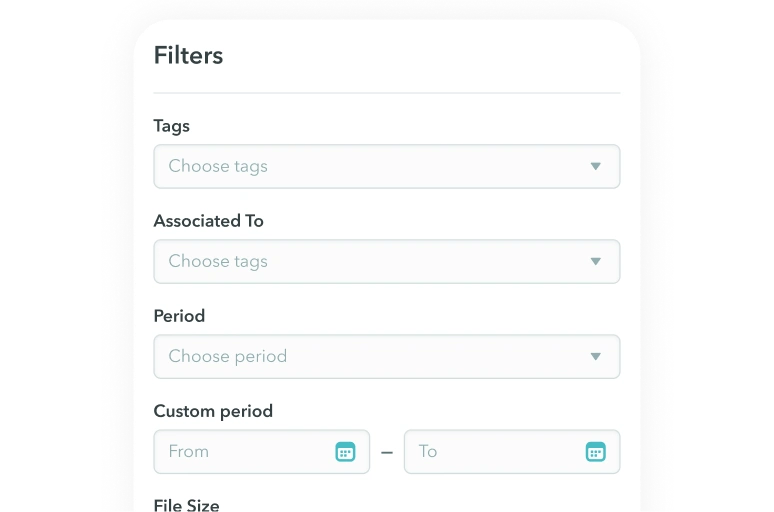
Organize documents using folder filers. Filter by category, year, or association needs—making records easy to browse and retrieve.
Homeowner Portals
Homeowner Portal
Empower homeowners with a personalized, all-in-one hub that simplifies online payments, financial tracking, household management, and community engagement. Our Owner Portal offers a robust, user-friendly experience, reducing the need for constant inquiries to the board.
Online Payments & Autopay
Pay dues and assessments via ACH or card, with optional autopay.
Account History & Statements
View balances, charges, and payment history anytime.
Requests, Messages & Notices
Homeowners can submit maintenance or architectural requests, respond to violations, and receive official communications. All from one portal.
Documents & Community Information
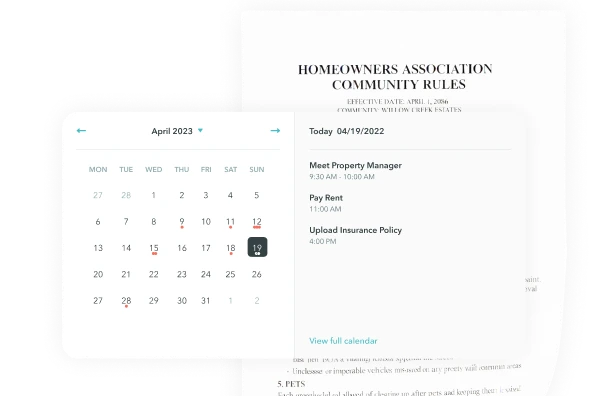
Residents can access shared HOA documents, announcements, and calendar items without searching through email threads. Control what residents can see with role-based permissions, so sensitive documents stay private.